App - SecureTransfer
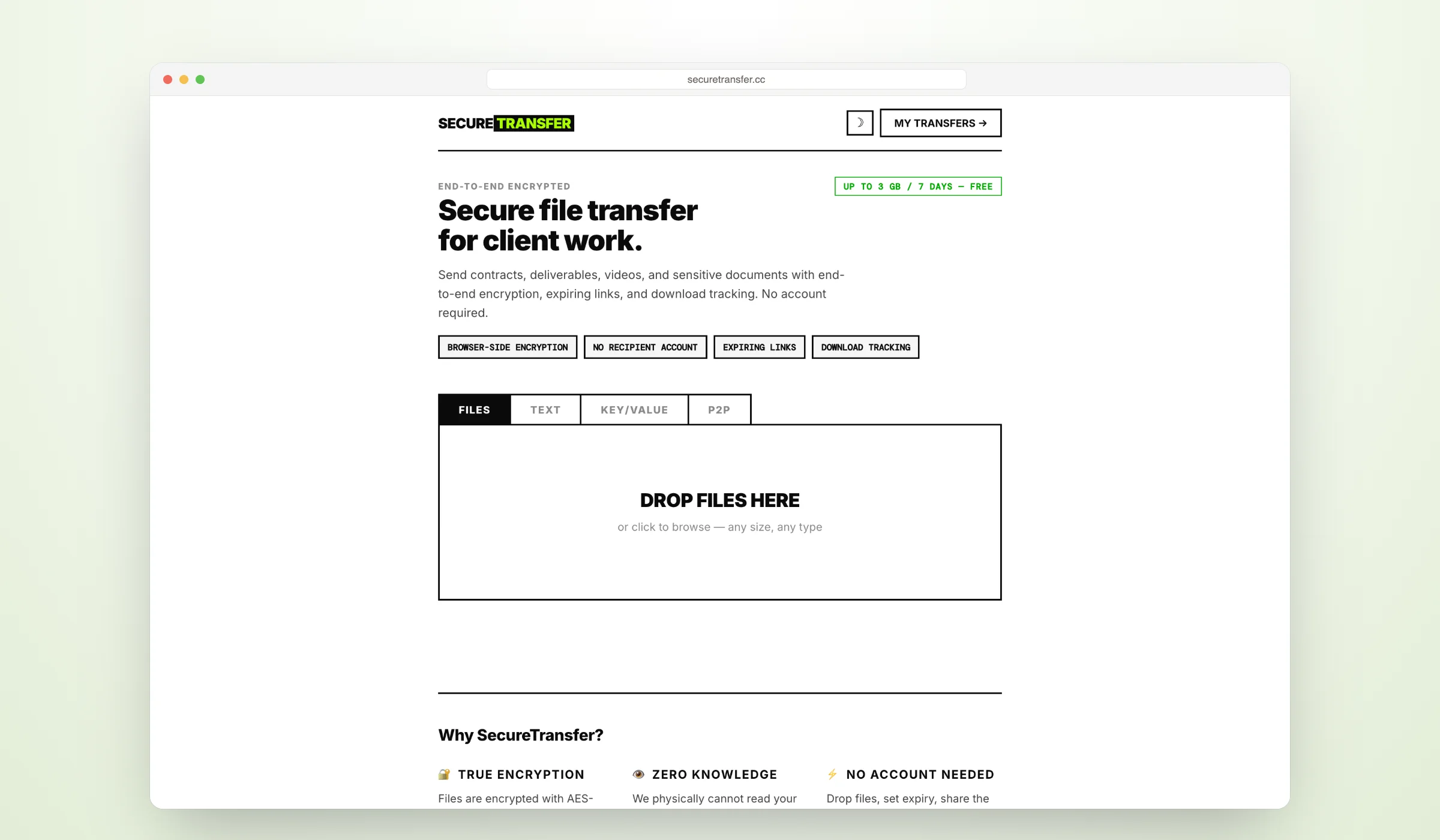
SecureTransfer lets you share files with end-to-end encryption — AES-256-GCM keys are generated client-side, and the server never sees your content. No accounts required, configurable expiry, download limits, and QR code sharing built in.
- Platforms
- Web
- Year
- Service
- Web
Overview
SecureTransfer is a zero-knowledge encrypted file sharing service built for privacy-first workflows.
You drop files into the browser, and they are encrypted locally using AES-256-GCM before anything leaves your device.
The decryption key lives in the URL fragment (#key=...), which browsers never send to the server — meaning not even the operator can read your files.
Recipients open the share link and decrypt entirely in their browser. No accounts, no sign-ups, no trust required.
For the live service, visit SecureTransfer.
How it works
- You drop files into the browser
- AES-256-GCM key is generated client-side
- Files are encrypted in your browser before leaving your device
- Encrypted blobs are uploaded to Cloudflare R2
- A share link is generated with the decryption key in the URL fragment
- Recipients decrypt in their browser — the key never touches the server
Key features
-
End-to-end encryption AES-256-GCM, keys never leave the browser. The server only ever handles encrypted data.
-
No accounts required Anonymous by default. Drop files and share instantly.
-
Configurable expiry Set transfers to expire from 1 hour up to 365 days.
-
Download limits Control how many times a transfer can be downloaded.
-
Email notifications Notify recipients and receive sender confirmations.
-
Transfer tracking View counts, download counts, and live status for every transfer.
-
QR code sharing Auto-generated QR codes for every transfer link.
-
Dark mode & mobile-friendly Follows system preference with manual toggle. Fully responsive design.
Tech & focus areas
- Privacy
- End-to-end encryption
- Zero-knowledge
- Bun
- Hono
- Cloudflare R2